
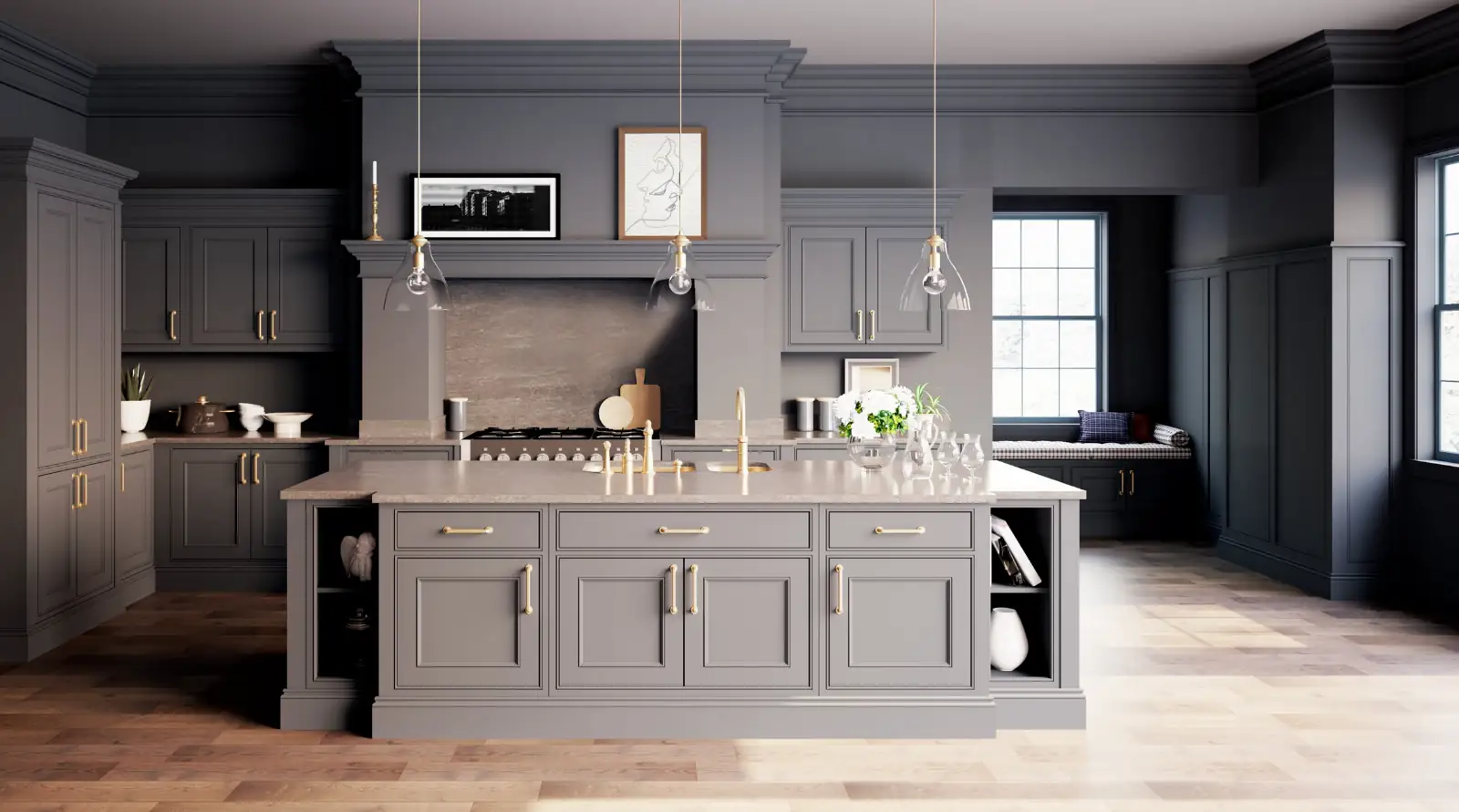
All of our software applications for interior design are based on Autodesk® technology. This gives all our users undeniable advantages when producing their designs:
- How to use an AutoCAD® drawing in autokitchen® or autodecco®.
- You can open or insert an AutoCAD® layout file in autokitchen® or autodecco®, and edit it, print it or use it as a template (for example to draw the walls of the kitchen tracing an AutoCAD® drawing).
- You can add a 3D AutoCAD® block to your project by inserting the DWG in autokitchen® or autodecco®.
- You can also open autokitchen® and autodecco® drawings with AutoCAD®. autokitchen® and autodecco® drawings are native DWG files, just like all AutoCAD® files. In some cases, you may need to activate the Microcad Object Enabler so that AutoCAD® recognizes all of the elements created in autokitchen®. The Object Enabler utility is located inside the Tools folder in your autokitchen® CD.

