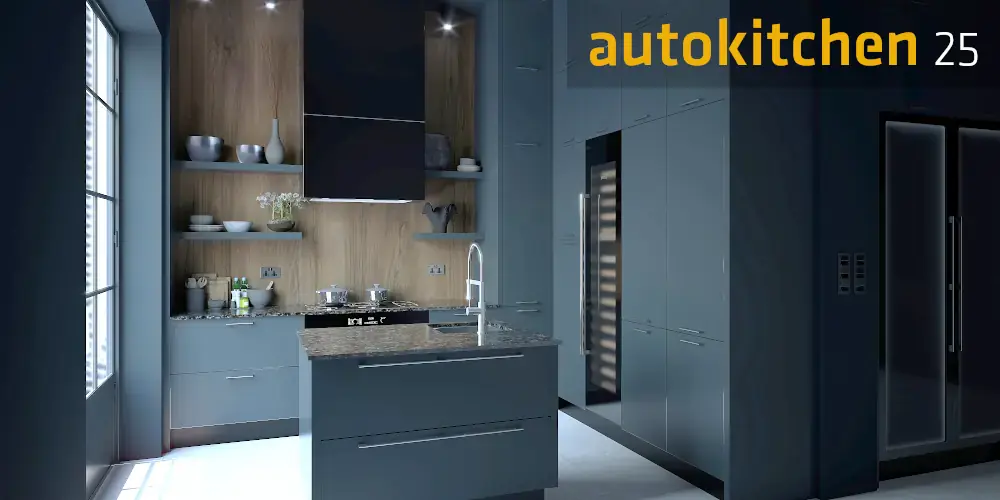
Autokitchen 25 is now available: New features
The new Autokitchen 25 version is now available and brings a series of improvements designed to save time and enhance the projects of kitchen design professionals, ensuring it remains their preferred tool. Improvements in AI-powered automatic cabinet layout, enhanced virtual reality walkthrough functionality, better photorealistic image quality, the ability to generate a complete PDF file with all project drawings in a single click, improved printing quality, and additional time-saving tools are some of the highlights.
Autokitchen 25 positions itself as the essential tool for those seeking profitability and quality for their business. In this article, we explain in more detail the new features that make Autokitchen 25 the best kitchen design software on the market.
1. AI-Powered Automatic Cabinet Layout:
In Autokitchen 25, the automatic cabinet layout tool has been significantly improved. Starting from a room previously drawn with any shape or number of walls, we can select the sections where we want to place wall cabinets and/or base cabinets.
Based on the position of utilities, Autokitchen 25 automatically configures the cabinet layout following the user’s preferences to optimize the available space. Once the first proposal is generated, we can ask the program to recalculate the position and width of the cabinets by slightly shifting the sink and appliances so that, while still connected to the utilities, filler panels are eliminated and the space is optimized even further.
This tool speeds up the design process and simplifies the work of kitchen design professionals. Once the final layout is obtained, we can easily make the modifications we consider necessary and refine the details that differentiate our designs.
2. Interactive Virtual Reality:
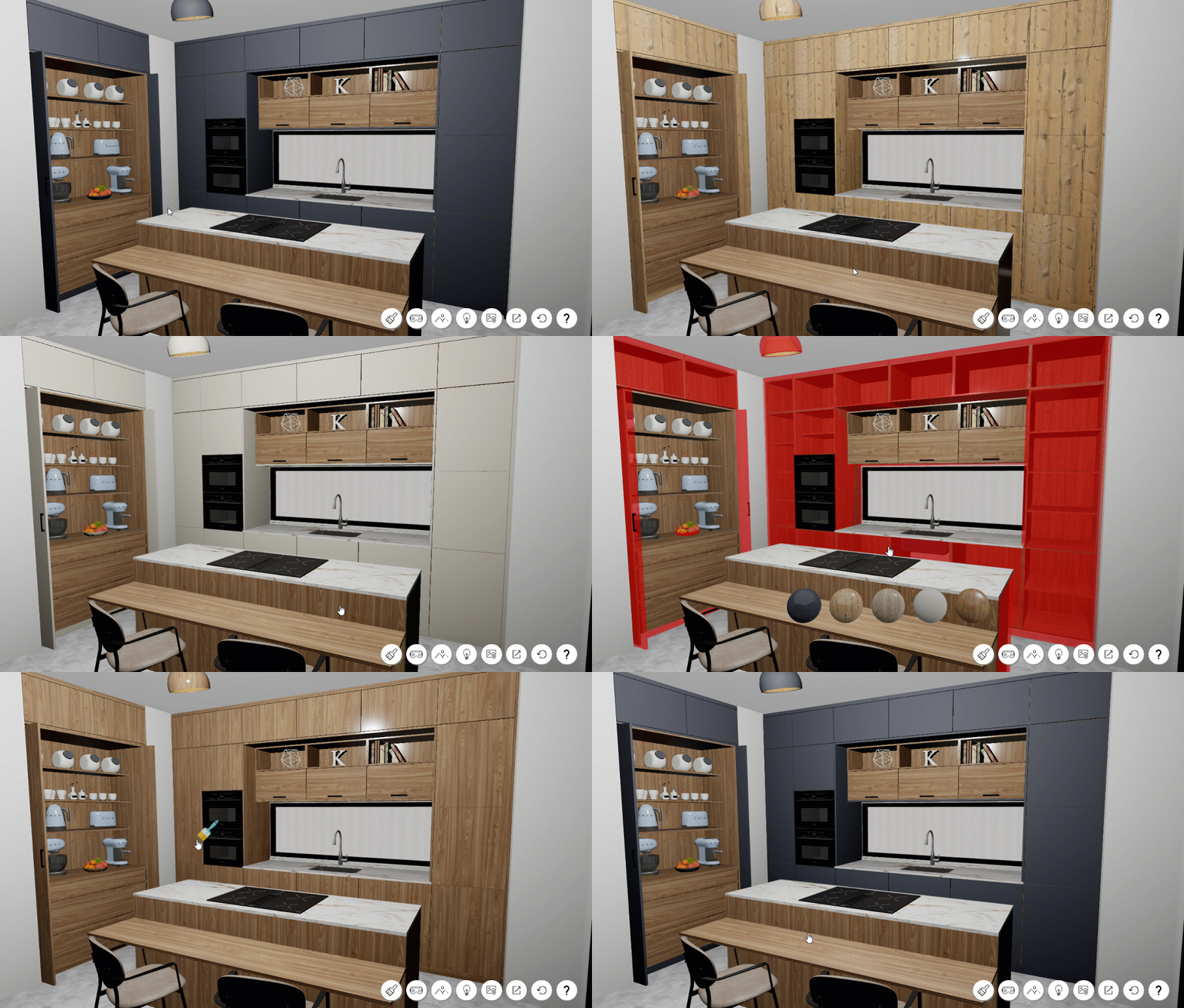
The new Autokitchen 25 improves the functionality of the Virtual Walkthrough. In this version, customers in kitchen showrooms can virtually enter their future kitchen while experimenting in real time with different finishes and materials for doors, cabinets, and countertops.
Using a virtual reality headset, they can walk through their kitchen in an immersive experience and try different materials to decide on the best combination. In the new version, in addition to changing the material simply by pointing at the object with the controller or mouse, a menu with all available materials can be opened to make the process easier. Visualization quality has also been improved.
The Interactive Virtual Walkthrough remains the best tool for helping clients make decisions and for building a stronger connection between the client and the designer.
3. Improvements in Render Quality and Speed:
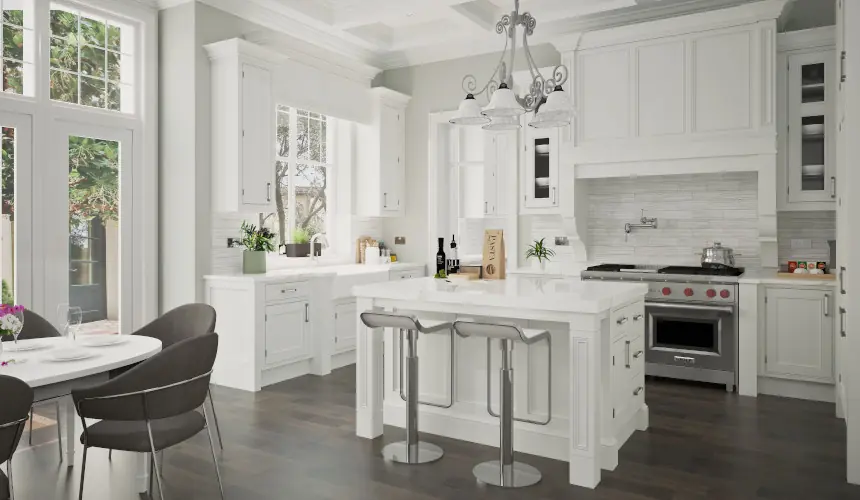
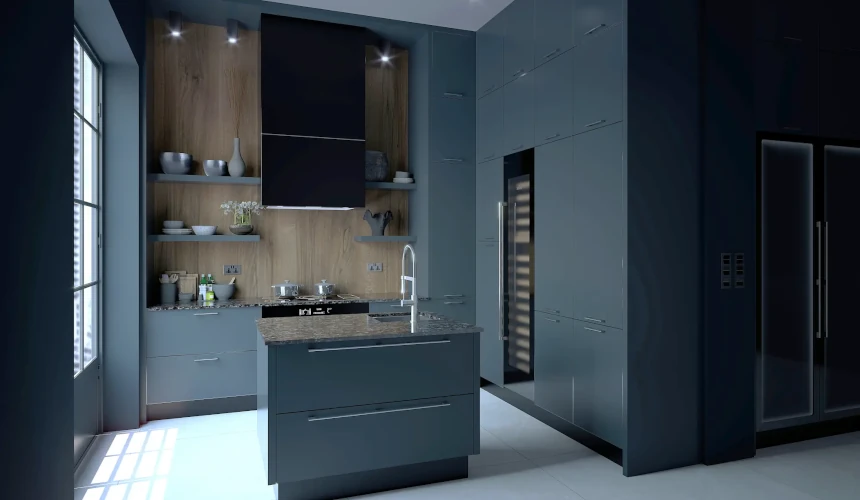
Autokitchen 25 continues to impress users with the quality of the photorealistic images it can generate in a very short time and without requiring experience in this type of software.
The new version generates the model geometry with much greater density, allowing details to appear more precise. The use of the graphics card further reduces rendering times, and users can continue working smoothly in Autokitchen while the computer generates the image.
Additionally, the Batch Render tool automatically generates multiple images from different viewpoints and stores them in the render history so they can later be reviewed and edited—for example, to turn lights on or off, apply filters, and more.
4. Print Quality and PDF File Generation:
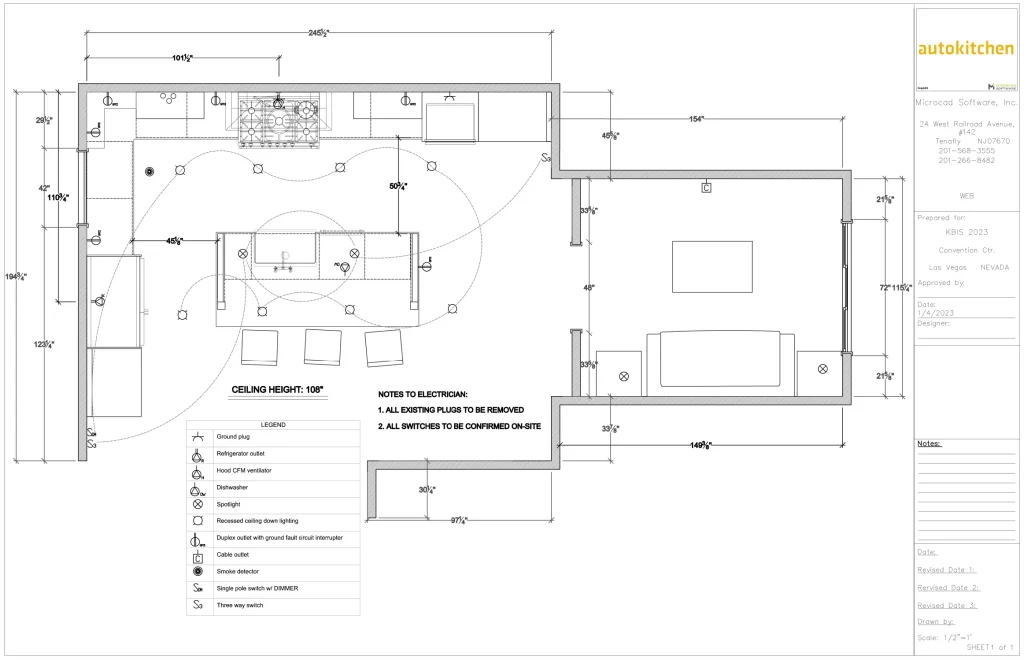
With a single click, Autokitchen 25 generates a multi-page PDF document containing all the project sheets created: dimensioned floor plans with cabinets, countertops, elevations, and more.
Tools have also been added to simplify sheet editing, such as renaming, reordering, and copying pages. A new PDF plan printer created by Microcad Software has also been introduced, improving print quality.
5. Time Saving:
Autokitchen 25 continues to add tools designed to reduce the time required to complete projects by minimizing repetitive tasks.
The new version allows users to access commands using keyboard shortcuts. For example:
- Ctrl + A adds a cabinet
- C copies
- L accesses the lighting tools
In addition, Autokitchen 25 now allows users to configure favorite doors and handles, joining the favorite materials and finishes that could already be configured in the previous version.
New automation features have also been added, such as automatic adjustment of filler panels to the available space and the automatic conversion of a design created with one catalog to another catalog from the same manufacturer.
More Than 100 Improvements
Autokitchen 25 includes more than 100 improvements compared to the previous version, specifically developed to meet the needs of kitchen design professionals.
In addition to those mentioned above, some notable improvements include:
- Automatic transfer of personalized data from the previous version to the new one (preferences, user materials, favorites, etc.).
- Significantly improved real-time project visualization while designing, with independent control of lighting, smoothing, shadows, and ambient occlusion effects.
- Improvements in configuring combinations of wall coverings and coverings generated from a defined contour.
- A new false corner cabinet that simplifies insertion by controlling the distance to the wall, the filler separating it from the next cabinet, and the automatic generation of the countertop and backsplash touching the wall.
- Improvements in the component listing, increasing control of edging and data export to manufacturing and cutting-optimization software.
- Interface improvements including a new Redo command, and the ability to change materials for grouped cabinet sets.
- New tall cabinets with pocket doors, slatted plinths, and new editing tools for SketchUp and AutoCAD blocks.
Summary
In summary, Autokitchen 25 continues to lead kitchen design software in terms of design flexibility, customization, compatibility, and efficiency. It also remains the most cost-effective solution with the fastest return on investment.
For all these reasons, Autokitchen continues to be an essential tool for kitchen and bathroom designers.
The new Autokitchen 25 is now available. Those interested in seeing how Autokitchen works can request a personalized online demonstration through this website.